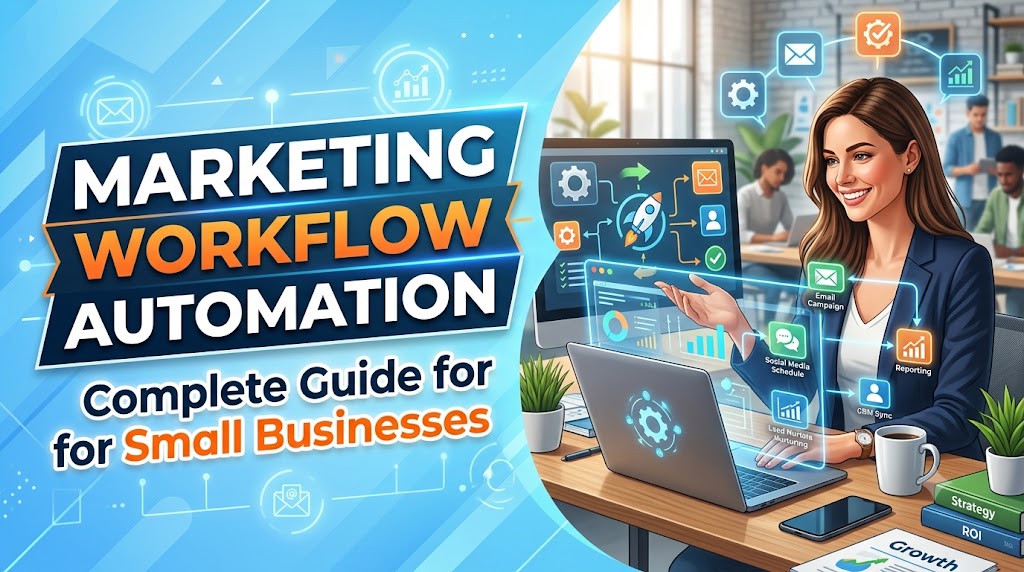
Marketing teams spend countless hours performing repetitive tasks such as sending emails, assigning leads, updating CRMs, scheduling social media posts, and reporting campaign performance.
Marketing workflow automation eliminates these repetitive activities, allowing teams to focus on strategy, creativity, and customer relationships instead of manual work.
Whether you’re a freelancer, startup, ecommerce store, or growing business, implementing marketing automation workflows can dramatically improve productivity while increasing conversions.
In this guide you’ll learn:
- What marketing workflow automation is
- Its biggest benefits
- The best automation software
- Real workflow examples
- Best practices
- Common mistakes to avoid
If you’re looking for workflow platforms that support marketing automation, read our Best Workflow Automation Software guide.
How We Selected These Recommendations
We evaluated every platform based on:
- Ease of use
- AI capabilities
- Marketing integrations
- CRM connectivity
- Email automation
- Workflow flexibility
- Pricing
- Overall value for small businesses
Our recommendations are designed for businesses that want powerful automation without requiring complex coding or enterprise-level budgets.
Marketing Workflow Automation Software Comparison
| Software | Best For | AI Features | Ease of Use |
|---|---|---|---|
| Relay.app | AI marketing workflows | ⭐⭐⭐⭐⭐ | ⭐⭐⭐⭐⭐ |
| Zapier | App integrations | ⭐⭐⭐⭐☆ | ⭐⭐⭐⭐⭐ |
| Make | Advanced workflows | ⭐⭐⭐⭐☆ | ⭐⭐⭐⭐☆ |
| HubSpot | CRM & Marketing | ⭐⭐⭐⭐☆ | ⭐⭐⭐⭐⭐ |
| ActiveCampaign | Email automation | ⭐⭐⭐⭐☆ | ⭐⭐⭐⭐☆ |
| Brevo | Affordable email marketing | ⭐⭐⭐⭐☆ | ⭐⭐⭐⭐⭐ |
| Mailchimp | Small businesses | ⭐⭐⭐☆☆ | ⭐⭐⭐⭐⭐ |
| Klaviyo | Ecommerce marketing | ⭐⭐⭐⭐☆ | ⭐⭐⭐⭐☆ |
What Is Marketing Workflow Automation?
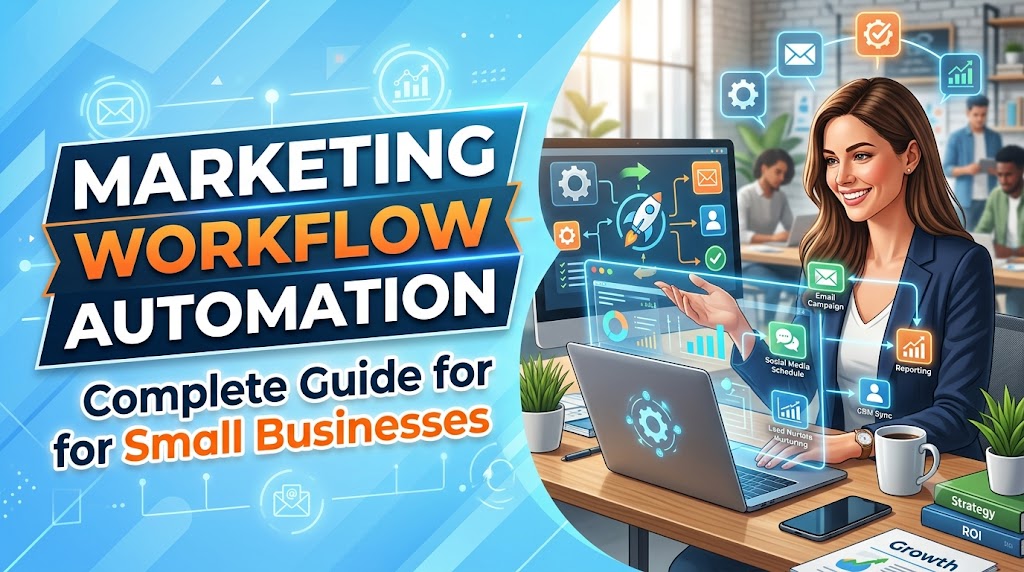
Marketing workflow automation is the process of using software to automatically execute repetitive marketing tasks based on predefined rules or customer behavior.
Instead of manually sending emails, assigning leads, or updating customer information, automation platforms perform these actions instantly.
For example:
Customer downloads an ebook
↓
CRM creates a new lead
↓
Lead is tagged automatically
↓
Welcome email is sent
↓
Sales team receives notification
↓
Lead enters an email nurturing campaign
Everything happens automatically.
Benefits of Marketing Workflow Automation
Save Time
Businesses can eliminate hours of repetitive work every week by automating common marketing processes.
Instead of manually updating spreadsheets or sending follow-up emails, automation software performs these tasks instantly.
Improve Lead Response Time
Studies consistently show that responding to leads quickly improves conversion rates.
Marketing workflow automation ensures every new lead receives immediate attention.
Better Customer Experience
Automation delivers timely and personalized communication throughout the customer journey.
Examples include:
- Welcome emails
- Product recommendations
- Birthday offers
- Purchase confirmations
- Abandoned cart reminders
Reduce Human Error
Manual processes often result in:
- Missed emails
- Duplicate leads
- Incorrect CRM records
- Forgotten follow-ups
Automation significantly reduces these issues.
Increase Marketing ROI
Automation allows marketers to spend more time optimizing campaigns instead of managing repetitive tasks.
The result is:
- Better conversions
- Higher engagement
- Lower operating costs
Best Marketing Workflow Automation Software
1. Relay.app ⭐ Editor’s Choice
Relay.app combines AI with no-code workflow automation, making it one of the easiest platforms for marketers.
Best For
- Marketing teams
- Agencies
- Small businesses
- AI-powered workflows
Key Features
- AI workflow builder
- CRM automation
- Email automation
- Team collaboration
- Conditional logic
- Slack integration
- Google Workspace integration
Pros
- Extremely beginner-friendly
- AI-assisted workflow creation
- Excellent user interface
- Powerful automation
Cons
- Smaller integration library than Zapier
Rating
⭐⭐⭐⭐⭐
Ready to automate your marketing?
Want a full review?
Read our Relay.app Review.
2. Zapier
Zapier is one of the most popular marketing automation platforms, connecting more than 7,000 apps without requiring any coding knowledge.
It’s an excellent choice for businesses that need to automate repetitive marketing tasks between multiple applications.
Best For
- Marketing agencies
- CRM automation
- Lead management
- Email marketing
Key Features
- 7,000+ app integrations
- Multi-step workflows
- AI-powered automation
- Webhooks
- Filters and Paths
- Built-in AI assistant
Pros
- Largest integration library
- Easy setup
- Reliable performance
Cons
- Can become expensive with high task volumes
Rating
⭐⭐⭐⭐☆
3. Make
Make is a visual workflow automation platform that allows marketers to build advanced automation using drag-and-drop scenarios.
It’s ideal for teams managing complex campaigns across multiple marketing channels.
Best For
- Advanced marketing workflows
- Agencies
- Multi-step automations
Key Features
- Visual workflow builder
- Conditional logic
- API integrations
- Scheduling
- Error handling
Pros
- Extremely flexible
- Powerful visual editor
- Affordable pricing
Cons
- Slight learning curve for beginners
Rating
⭐⭐⭐⭐☆
4. HubSpot
HubSpot combines CRM, email marketing, lead nurturing, landing pages, and automation into one platform.
Small businesses can automate the entire customer journey without relying on multiple tools.
Best For
- CRM automation
- Lead nurturing
- Sales & marketing alignment
Key Features
- Marketing automation
- CRM
- Landing pages
- Lead scoring
- Email campaigns
- Analytics
Pros
- All-in-one platform
- Excellent reporting
- Beginner-friendly
Cons
- Premium plans can be expensive
Rating
⭐⭐⭐⭐☆
5. ActiveCampaign
ActiveCampaign focuses on customer experience automation through powerful email marketing and behavioral automation.
Businesses can build personalized customer journeys based on user actions.
Best For
- Email marketing
- Customer journeys
- Ecommerce
Key Features
- Email automation
- Customer segmentation
- Predictive sending
- CRM
- AI content generation
Pros
- Powerful automation engine
- Excellent email deliverability
- Advanced segmentation
Cons
- Requires time to master advanced features
Rating
⭐⭐⭐⭐☆
6. Brevo
Brevo (formerly Sendinblue) offers an affordable marketing automation solution for growing businesses.
Besides email automation, it includes SMS campaigns, WhatsApp marketing, and CRM functionality.
Best For
- Small businesses
- Email marketing
- SMS automation
Key Features
- Email automation
- SMS campaigns
- CRM
- Landing pages
- Marketing reports
Pros
- Affordable pricing
- Easy to use
- Strong email marketing features
Cons
- Fewer third-party integrations than Zapier
Rating
⭐⭐⭐⭐☆
7. Mailchimp
Mailchimp remains one of the easiest marketing automation platforms for beginners.
It allows businesses to automate newsletters, welcome emails, abandoned cart emails, and customer segmentation.
Best For
- Beginners
- Small businesses
- Email newsletters
Key Features
- Email automation
- Customer journeys
- Audience segmentation
- AI content suggestions
- Analytics
Pros
- Very easy to use
- Excellent templates
- Free plan available
Cons
- Automation features are limited on lower plans
Rating
⭐⭐⭐⭐☆
8. Klaviyo
Klaviyo is built specifically for ecommerce marketing automation.
It helps online stores automate personalized email and SMS campaigns using customer purchase behavior.
Best For
- Shopify stores
- WooCommerce
- Ecommerce marketing
Key Features
- Abandoned cart automation
- Product recommendations
- SMS marketing
- Customer segmentation
- Revenue analytics
Pros
- Excellent ecommerce integrations
- Powerful personalization
- Strong ROI tracking
Cons
- Less suitable for non-ecommerce businesses
Rating
⭐⭐⭐⭐☆
Which Marketing Workflow Automation Software Is Best?
Your ideal platform depends on your business needs:
| Software | Best For |
|---|---|
| Relay.app | AI-powered marketing automation |
| Zapier | Connecting thousands of apps |
| Make | Complex workflow automation |
| HubSpot | CRM + marketing automation |
| ActiveCampaign | Email marketing automation |
| Brevo | Budget-friendly marketing |
| Mailchimp | Beginners |
| Klaviyo | Ecommerce businesses |
If you’re looking beyond marketing and want to automate your entire business, explore our Business Automation Software guide.
20 Marketing Workflow Automation Examples
One of the biggest advantages of marketing workflow automation is that almost every repetitive marketing task can be automated.
Below are 20 practical examples used by businesses every day.
Lead Generation Workflows
1. Contact Form Automation
When someone submits a contact form on your website, automation software can instantly:
- Create a CRM contact
- Notify the sales team
- Send a welcome email
- Assign the lead owner
- Start a nurturing campaign
Benefits:
- Faster response times
- No missed leads
- Better lead management
2. Ebook Download Workflow
A visitor downloads a free ebook.
Automation automatically:
- Delivers the ebook
- Adds the lead to your CRM
- Tags the contact
- Starts an educational email sequence
This is one of the most common lead generation workflows.
3. Webinar Registration
When users register for a webinar, automation can:
- Send confirmation emails
- Add calendar invitations
- Send reminder emails
- Notify sales after attendance
- Launch follow-up campaigns
Email Marketing Workflows
4. Welcome Email Series
Every new subscriber automatically receives:
Email 1
Welcome message
↓
Email 2
Company introduction
↓
Email 3
Popular resources
↓
Email 4
Customer success stories
↓
Email 5
Special offer
This builds trust while increasing conversions.
5. Newsletter Automation
Instead of manually sending newsletters every week, schedule automated campaigns in advance.
Benefits include:
- Consistent communication
- Better engagement
- Reduced workload
6. Re-Engagement Campaign
If subscribers haven’t opened emails for several months, automation can launch a re-engagement sequence.
Example:
“We miss you.”
↓
Offer discount
↓
Recommend popular content
↓
Remove inactive subscribers
This helps improve email deliverability.
7. Birthday Campaign
Automatically send birthday wishes together with:
- Discount codes
- Loyalty rewards
- Personalized offers
Customers appreciate personalized communication.
CRM Automation
8. Automatically Tag Leads
Instead of manually organizing contacts, automation software assigns tags based on:
- Traffic source
- Downloaded content
- Company size
- Industry
- Geographic location
Better segmentation leads to better marketing.
9. Lead Assignment
Automatically assign leads to different sales representatives based on:
- Country
- Product interest
- Team availability
- Revenue potential
This eliminates manual lead distribution.
10. Lead Scoring
Marketing automation platforms can calculate lead scores automatically.
For example:
Visited pricing page (+20)
↓
Downloaded case study (+15)
↓
Opened five emails (+10)
↓
Booked demo (+50)
Once a score reaches a threshold, the sales team receives an instant notification.
Ready to automate these marketing workflows?
For even more practical automation ideas, check out our Workflow Automation Examples guide.
11. Abandoned Cart Recovery
One of the highest-converting marketing automation workflows is recovering abandoned shopping carts.
Instead of losing potential customers, automation software can trigger reminder emails when shoppers leave products without completing checkout.
Typical workflow:
Customer adds products to cart
↓
Leaves website
↓
Email reminder after 1 hour
↓
Discount email after 24 hours
↓
Final reminder after 72 hours
Benefits:
- Recover lost sales
- Increase revenue
- Improve customer retention
12. Customer Segmentation
Marketing automation software can automatically group customers based on:
- Purchase history
- Website behavior
- Industry
- Location
- Customer lifetime value
- Email engagement
This allows businesses to send highly personalized campaigns.
13. Social Media Publishing
Instead of manually posting every day, marketers can schedule content weeks in advance.
Automation platforms can:
- Publish Facebook posts
- Schedule LinkedIn content
- Publish X (Twitter) updates
- Share blog articles
- Recycle evergreen content
Benefits:
- Consistent posting
- Better engagement
- Significant time savings
14. Product Review Requests
Satisfied customers are far more likely to leave reviews when asked automatically.
Typical workflow:
Order delivered
↓
Wait 7 days
↓
Send review request
↓
Reminder after 5 days
↓
Reward customer with loyalty points
More reviews help increase trust and improve conversion rates.
15. Product Recommendation Emails
Automation software can recommend products based on:
- Previous purchases
- Browsing history
- Categories viewed
- Frequently bought together
- Customer interests
AI-powered recommendations often generate significantly higher click-through rates than generic email campaigns.
16. Upsell & Cross-Sell Campaigns
After customers purchase a product, automation can recommend complementary products automatically.
Example:
Customer buys laptop
↓
Recommend laptop bag
↓
Recommend wireless mouse
↓
Recommend monitor
↓
Recommend keyboard
This increases average order value without additional manual work.
17. Lead Nurturing Workflow
Not every lead is ready to buy immediately.
Automation keeps prospects engaged by delivering valuable content over time.
Example:
Week 1
Educational blog article
↓
Week 2
Customer case study
↓
Week 3
Product comparison
↓
Week 4
Free consultation
↓
Week 5
Special promotion
This builds trust before asking for the sale.
18. Campaign Performance Reporting
Instead of manually collecting marketing data, workflow automation can generate reports automatically.
Reports may include:
- Website traffic
- Leads generated
- Email open rates
- Conversion rates
- Advertising ROI
- Revenue attribution
Reports can be delivered daily, weekly, or monthly.
19. Marketing Approval Workflow
Before campaigns go live, automation can route them through an approval process.
Typical workflow:
Content created
↓
Marketing manager review
↓
Legal approval
↓
Brand review
↓
Publish campaign
This helps reduce publishing mistakes while maintaining brand consistency.
20. AI Content Workflow
Modern marketing teams increasingly use AI to accelerate content creation.
A typical AI-powered workflow looks like this:
Keyword research
↓
Generate content brief
↓
Draft article with AI
↓
Human editing
↓
SEO optimization
↓
Publish
↓
Share across social media
↓
Track performance
Businesses looking to automate both marketing and business operations should also explore our AI Workflow Automation Tools guide.
How to Build Your First Marketing Workflow
Building a successful marketing workflow doesn’t need to be complicated.
Follow these five steps:
Step 1. Identify Repetitive Tasks
Start by listing tasks your marketing team performs repeatedly, such as sending emails, assigning leads, updating your CRM, or scheduling social media posts.
Step 2. Choose the Right Automation Platform
Select software that integrates with your existing marketing stack and supports the workflows you want to automate.
For most small businesses, Relay.app offers an excellent balance of simplicity, AI features, and flexibility.
Step 3. Map Your Workflow
Create a simple flow showing:
Trigger
↓
Conditions
↓
Actions
↓
Notifications
Keeping workflows simple makes them easier to maintain and optimize.
Step 4. Test Before Launch
Run several test scenarios to ensure every step works correctly before enabling the workflow for real customers.
Step 5. Measure and Improve
Monitor important metrics such as:
- Email open rate
- Click-through rate
- Lead conversion
- Response time
- Revenue generated
Regular optimization ensures your workflows continue delivering strong results.
Common Marketing Workflow Automation Mistakes
Even the best automation software won’t deliver results if your workflows are poorly designed. Here are the most common mistakes businesses should avoid.
1. Automating Everything
Automation should support your marketing strategy—not replace human interaction.
Focus on repetitive, rule-based tasks while keeping personal communication for high-value customer interactions.
2. Ignoring Personalization
Sending the same email to every subscriber reduces engagement.
Instead, personalize campaigns using:
- First name
- Company
- Industry
- Purchase history
- Website behavior
- Customer interests
The more relevant your message, the better your conversion rates.
3. Creating Overly Complex Workflows
Many marketers build workflows with dozens of conditions and branches.
Complex automation is harder to maintain and increases the chance of errors.
Start with simple workflows and expand them gradually.
4. Forgetting to Monitor Performance
Automation isn’t a “set it and forget it” solution.
Regularly review:
- Open rates
- Click-through rates
- Conversion rates
- Bounce rates
- Workflow failures
Small optimizations can significantly improve campaign performance over time.
5. Using Too Many Separate Tools
Managing multiple disconnected platforms often creates duplicate work and inconsistent customer data.
Whenever possible, choose software that integrates with your CRM, email marketing platform, and collaboration tools.
If you’re comparing platforms, read our Best Workflow Automation Software guide.
Marketing Workflow Automation Best Practices
To get the best results from workflow automation, follow these proven practices:
Start Small
Begin with one or two simple workflows before expanding into more advanced automations.
Define Clear Goals
Every workflow should have a measurable objective, such as:
- Generate more leads
- Increase email engagement
- Recover abandoned carts
- Improve customer retention
- Shorten response times
Keep Your CRM Updated
Automation is only as effective as the data it uses.
Regularly clean duplicate contacts, update customer information, and remove inactive subscribers.
Review Workflows Regularly
Business needs change over time.
Review your automation workflows every few months to identify opportunities for improvement or remove outdated processes.
Combine AI with Human Oversight
AI can generate emails, segment audiences, and recommend content, but human review remains essential for maintaining brand voice and accuracy.
Frequently Asked Questions
What is marketing workflow automation?
Marketing workflow automation uses software to automate repetitive marketing tasks such as email campaigns, lead nurturing, customer segmentation, CRM updates, and campaign reporting.
What is the best marketing workflow automation software?
Relay.app is our top recommendation for small and medium-sized businesses thanks to its AI-powered workflow builder, ease of use, and flexible integrations.
Other excellent options include Zapier, Make, HubSpot, ActiveCampaign, and Klaviyo.
Can small businesses benefit from marketing workflow automation?
Absolutely.
Even small businesses can save hours every week by automating lead management, email campaigns, follow-ups, and customer communication.
What’s the difference between marketing automation and workflow automation?
Marketing automation focuses specifically on marketing activities such as email campaigns and lead nurturing.
Workflow automation is broader and can automate business processes across HR, finance, operations, customer support, and marketing.
Learn more in our Workflow Automation Examples guide.
Does marketing workflow automation require coding?
No.
Most modern platforms offer no-code workflow builders that allow marketers to create automations using drag-and-drop interfaces.
Final Verdict
Marketing workflow automation has become essential for businesses that want to grow efficiently without increasing manual work.
By automating repetitive marketing tasks such as lead capture, email nurturing, customer segmentation, abandoned cart recovery, campaign reporting, and CRM updates, businesses can improve productivity while delivering a better customer experience.
For most small and medium-sized businesses, Relay.app is our top recommendation because it combines AI-powered automation, an intuitive workflow builder, and excellent collaboration features without the complexity of enterprise platforms.
If you’re still comparing platforms before making a decision, read our Best Workflow Automation Software guide for a detailed side-by-side comparison of the leading workflow automation tools.
Ready to Automate Your Marketing?
Start building smarter marketing workflows today with AI-powered automation.
Want to learn more first?
Read our Relay.app Review.